![canibuild_white.png]](https://support.canibuild.com/hs-fs/hubfs/canibuild_white.png?height=40&name=canibuild_white.png)
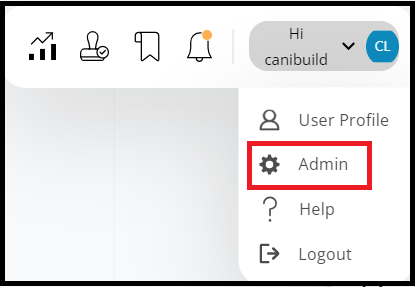
- To access the Admin section Click on your name on the top right of the screen.
- Select Admin from the options.
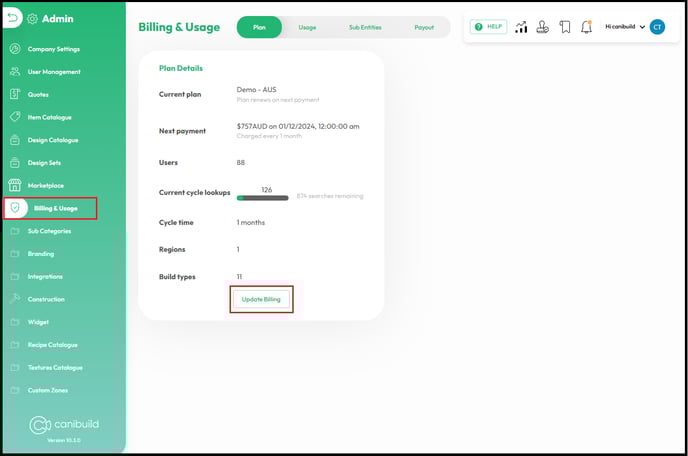
- Click Billing & Usage.
- Select Update Billing.
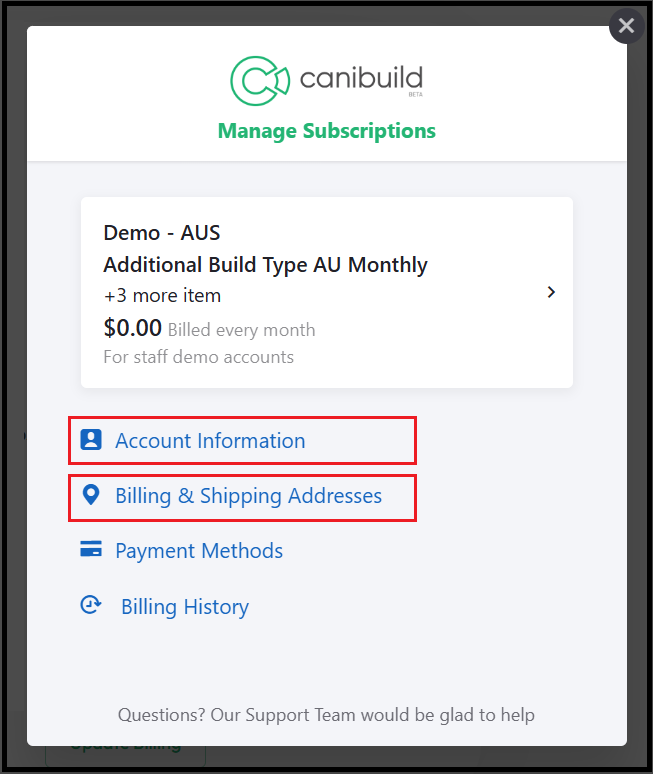
- Select Account Information.
- Select Billing & Shipping Addresses.
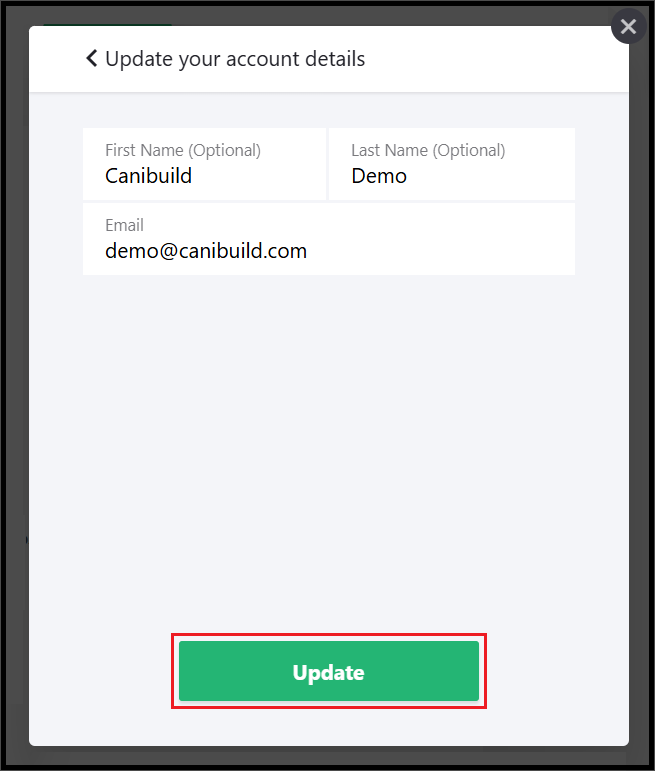
- Update Account Information.
- Click Update.
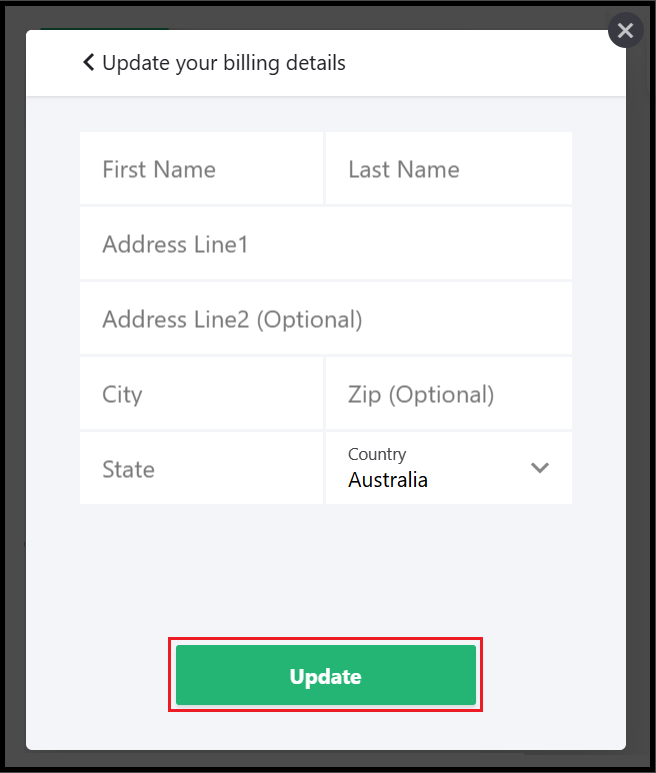
- Update Billing Details.
- Click Update.