![canibuild_white.png]](https://support.canibuild.com/hs-fs/hubfs/canibuild_white.png?height=40&name=canibuild_white.png)
This introduction video will walk you through the basic features required to complete a siting.
Useful Video Time Stamps
- Help .................................................................................................. 0.30min
- Estates / Communities ....................................................................... 2.50min
- Searching an Address ........................................................................ 5.40min
- Setting up your Site ............................................................................ 9.00min
- Placing a Design ................................................................................ 11.55min
- Checking Contours ............................................................................ 19.55min
- Using the Drawing tools .................................................................... 23.30min
- Generating Documents .................................................................... 32.50min
- Creating alternate Leads ................................................................. 38.50min
- Accessing MyHub ......................................,....................................... 40.15min
- Basic Admin ..................................................................................... 42.40min
To begin your journey with Canibuild, we highly recommend using the resources available in the Canibuild Help Centre. You will have access to a range of articles & videos to assist you with learning how to navigate Canibuild and ensure you are getting the most out of the application. You can also take advantage of our AI support Assistant by selecting Ask me Anything.
- Click the Help icon in the Canibuild application to open the Help Options.
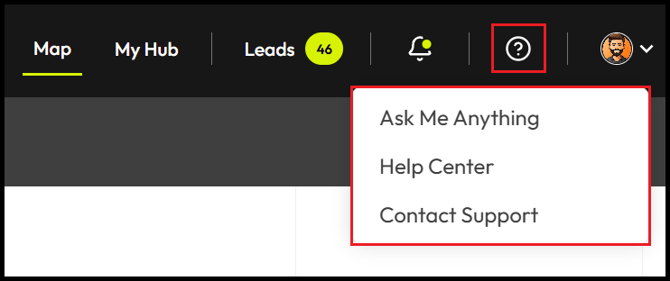
- Click Ask Me Anything.
- Select Learn Canibuild or I have a question.

- Click Help Centre.
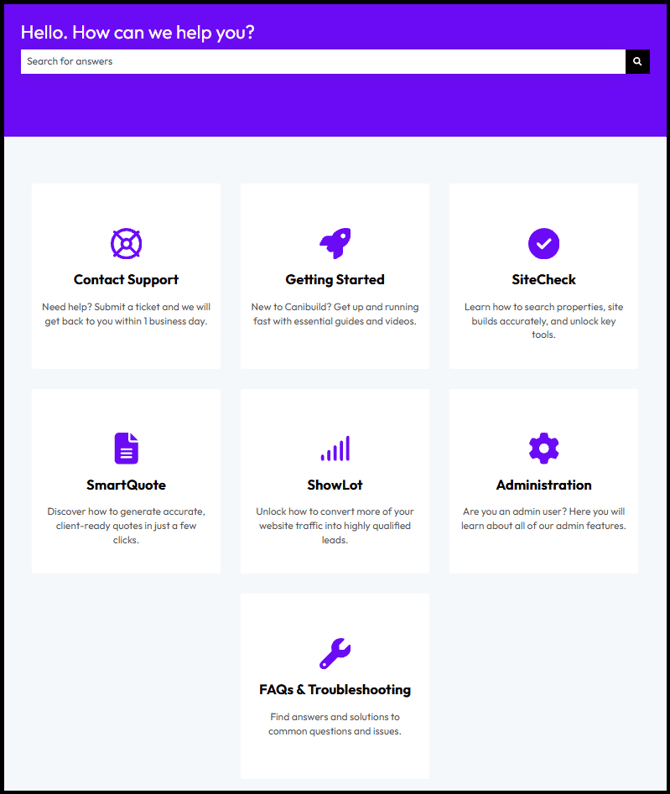
- Click on the relevant tile to explore topic-specific articles and training videos.
- Use the Search Bar at the top to quickly locate the content you need.
-
Contact Support – Submit a ticket and let us know how we can assist.
-
Getting Started – The best place to start. Access the introduction videos and all the basic features you need to get going.
-
SiteCheck – Dive into the finer details of each feature and discover simple tricks that might help save you time.
-
SmartQuote – Create high-quality sales estimates in an instant & review all of your sales data.
-
ShowLot – Embed Canibuild onto your website & capture potential sales leads 24/7.
-
Administration – Set up and organise your account and take advantage of our branding options.
-
FAQs & Troubleshooting – Need a quick answer to a problem you're experiencing? Find the solution in the frequently asked questions.
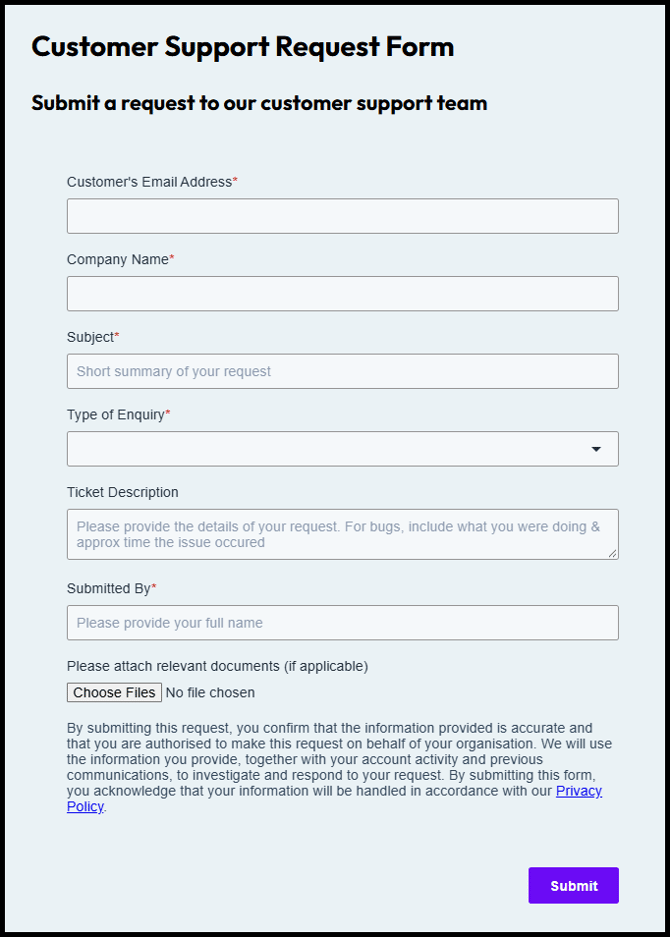
- Click Contact Support.